Copy any Public Template
Every user can copy and modify public templates, enabling the transfer and adaptation of surgical know-how to their specific needs.
1. Select Template
In the Library, you can select any public template by clicking on its name or the 'DETAILS' button.
2. Click Copy Template
Next to 'PLAN OP', you can select 'Copy Template' from the 'OPTIONS' dropdown in the top-right corner.

3. Edit Template Information
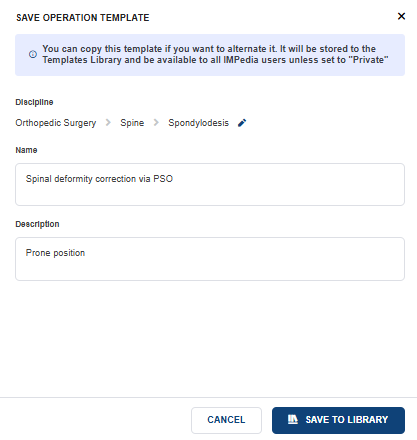
After clicking 'Copy Template', a dialog window will pop up where you can change the discipline, template name, and description.